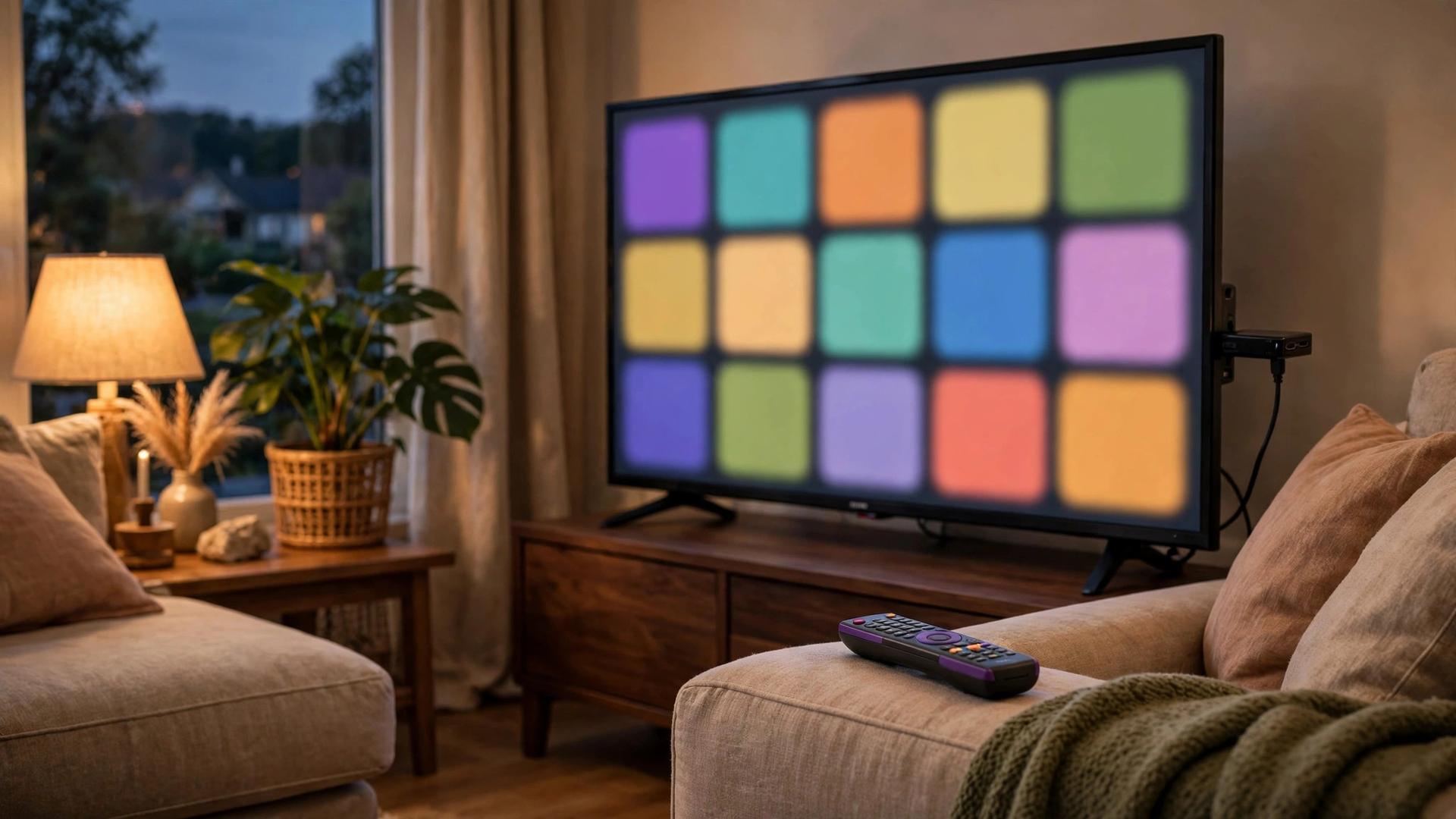
Roku is the awkward cousin of the streaming world. The little purple box sells by the million, the interface is the simplest in the business, and the system is locked down tight: every app has to pass through the Roku Channel Store, and Roku has never allowed the sideloading that makes a Firestick so flexible. That is the whole story behind an M3U playlist Roku setup. There is no single best player, no TiviMate, no IPTV Smarters Pro. There are two workable routes, and picking the right one depends on how often you watch.
The first route is a Channel Store player. A small handful of M3U players are listed in the store, IBO Player and M3U Playlist Player are the names that come up most, and they work the same way as the Samsung players: install the channel, note the device code it shows, and paste your M3U link into the player's website on your phone. The second route is casting: load the playlist on your phone or laptop, then send it to the Roku with AirPlay or screen mirroring. Casting costs nothing and needs no Roku app at all, but it ties up your phone for the evening.
M3U playlist Roku setup: the Channel Store route
Start on the Roku home screen. Open Streaming Channels, choose Search Channels, and type IBO Player. Select the channel, choose Add Channel, and wait for the install. Open it, and the screen shows a Device ID and a Key, write both down. On your phone or laptop, open the IBO Player website, enter the Device ID and Key, paste your M3U link into the playlist field, and save. Go back to the Roku, reload IBO Player, and give the channel list a few minutes to load. On a big playlist that first load can take longer than you expect, Roku takes its time indexing a 57,000-channel list, and the progress bar is not always honest about it.
M3U Playlist Player follows the same shape with a different label: search the store, add the channel, open it, choose Add New Playlist, and enter your M3U URL. Some versions of the app let you type the link with the remote; others show a code to enter on a website. Either way, paste the link from your phone where the app allows it, the Roku remote is the worst keyboard in your house.
For the background, see M3U Playlist Guide for Beginners 2026: Everything You Need to Start Streaming.
Which Roku models work, and which do not
Any current Roku works: Roku Express, Streaming Stick, Streaming Stick 4K, Ultra, Streambar, and Roku TVs from TCL, Hisense and the other brands that build Roku in. The steps are the same on all of them. What changed in recent years is the old back door: Roku removed non-certified private channels in February 2022, and the access codes that once installed them no longer work. Developer mode still exists, but it allows only one test app at a time and is meant for developers, not for watching television. Ignore any guide that tells you to sideload on a Roku. It is either years out of date or selling you something.
Casting an M3U playlist to Roku from your phone
If the Channel Store players feel like too much fuss for a casual evening, casting is the shortcut. On an iPhone, open your playlist in a player app that supports AirPlay, GSE Smart IPTV and VLC both do, and tap the AirPlay icon. On the Roku, go to Settings, then Apple AirPlay and HomeKit, and make sure AirPlay is on. The picture lands on the TV in seconds. On Android, the equivalent is screen mirroring: Settings, then System, then Screen Mirroring on the Roku, and cast from your phone's quick settings.
Casting has two honest limits. The first is the phone: it has to stay awake, on the same Wi-Fi, and in range for the whole programme, and a phone call can interrupt the stream. The second is quality: a mirrored screen is a copy of your phone's screen, not a direct stream, so a 4K channel will not look 4K. For a quick check, does this playlist work, is the match actually on, casting is perfect. For every evening, the Channel Store route is the one that holds up.
- Use the Channel Store route for nightly viewing, it plays the stream directly on the Roku.
- Use AirPlay or screen mirroring for a quick test or a one-off match.
- Keep the phone on the same Wi-Fi network as the Roku, and plug the phone in for long sessions.
- Turn on AirPlay in Settings, then Apple AirPlay and HomeKit, before you need it.
- If the picture stutters while casting, drop the phone's stream to 1080p and try again.
M3U playlist Roku not loading: the usual suspects
| Problem | What you see | Fix |
|---|---|---|
| Wrong player | App not found in the store | Use IBO Player or M3U Playlist Player |
| Bad link | Empty list or error | Test the link in a phone browser first |
| Weak Wi-Fi | Freezing on HD and 4K | Move to 5 GHz or plug in Ethernet |
| Old Roku software | Channel crashes on open | Settings, System, System Update |
One Roku quirk catches people out: the system update. Roku updates itself overnight, and a player channel that worked on Monday can break on Tuesday if the update changed something the app relied on. If a playlist stops loading after an update, remove the channel, restart the Roku, and add the channel again. It is a five-minute job and it fixes the problem more often than any setting buried in a menu.
If that part needs more detail, M3U Playlist Not Loading? Fix Guide for Every Player has it.
Roku vs Firestick for an M3U playlist
The comparison is short. A Firestick runs TiviMate and IPTV Smarters Pro, takes a playlist in minutes, and costs about the same as a Roku stick. A Roku is simpler to use day to day, its remote is better, and The Roku Channel throws in more than 500 free live channels without any playlist at all. If you already own a Roku and you watch a few evenings a week, the Channel Store route is good enough and there is no reason to buy another stick. If you are buying a device for IPTV and nothing else, the Firestick is the easier buy, because the players are better and the setup is shorter.
There is one more option worth naming: Plex with Threadfin. If you already run a Plex server, Threadfin turns an M3U playlist into live TV channels inside Plex, with a guide and recording. It is the most powerful Roku setup there is, and also the most work, a weekend project, not a ten-minute one. Most people should start with IBO Player and only look at Plex if they already live in that world.
Prices, and testing a playlist on Roku free for 24 hours
A playlist subscription from M3U Playlists comes in two tiers. Premium costs $19.99 for 1 month, $49.99 for 3 months, $79.99 for 6 months and $99.99 for 12 months, with 57,000+ channels, 185,000+ movies and 49,000+ series in up to 4K, plus two-device, three-device and four-device plans at $159.99, $224.99 and $269.99 for 12 months. Basic costs $14.99 for 1 month, $24.99 for 3 months, $39.99 for 6 months and $59.99 for 12 months, with multi-device plans at $109.99, $159.99 and $199.99. Resellers start at a minimum order of 120 credits, with 12 credits covering 12 months at $40 on Premium and $20 on Basic.
Test before you pay. M3U Playlists offers a 24-hour free trial with no card required. Message WhatsApp +212 604 034 330 for playlist details, or pick a plan at https://www.m3u-playlists.com/plans. Load the trial through the Channel Store player on your own Roku, at the hour you actually watch, and check the channels you care about. A playlist that plays clean at 8 pm on your Roku is a playlist worth paying for.
Worth a look next: M3U Playlist Multiple Devices: One Subscription Guide.