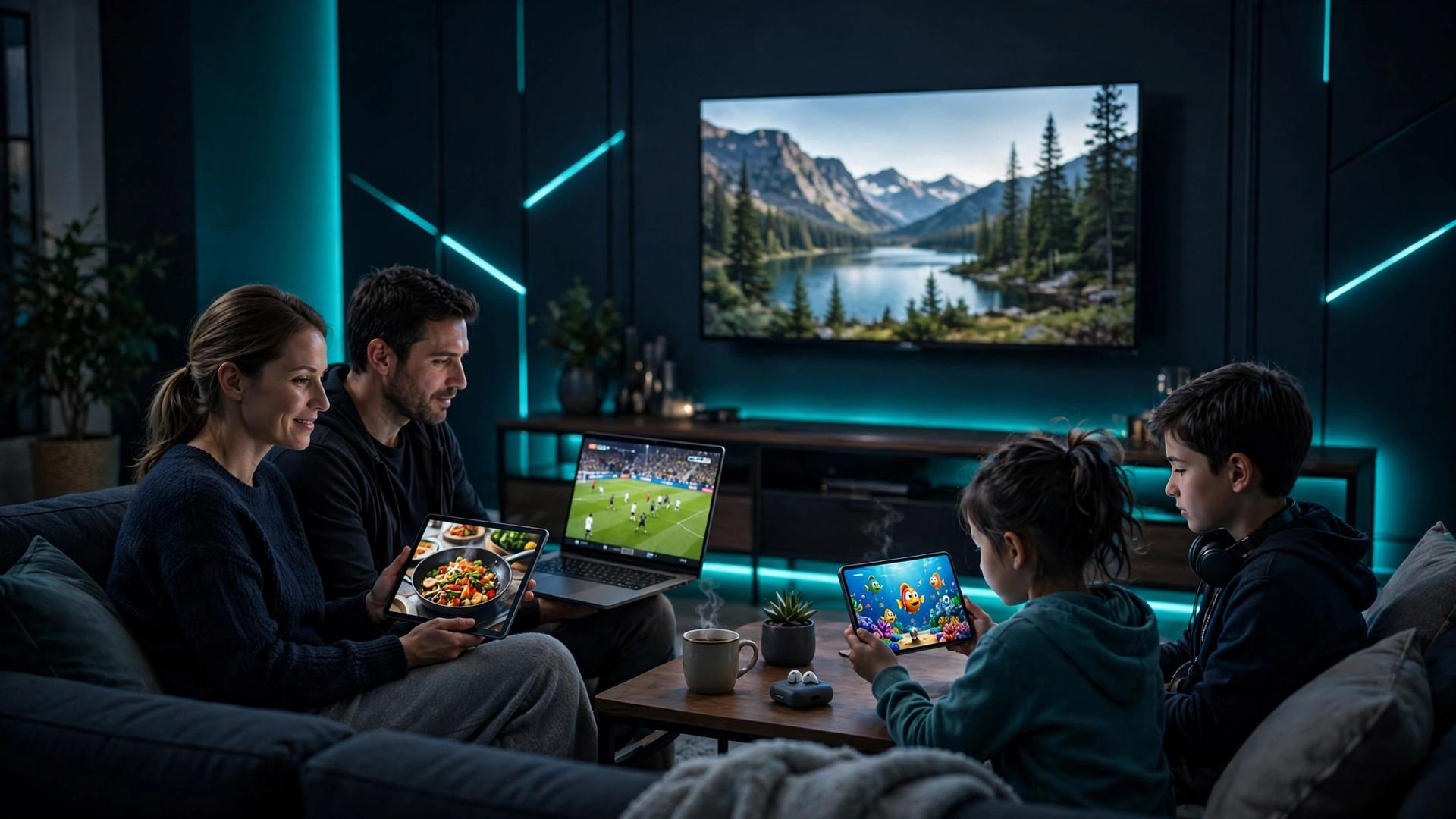
The living room TV plays the match. That is the point. The bedroom TV plays a series. A tablet plays cartoons for the children. A phone plays the news on the train. A household rarely watches on one screen any more. An M3U playlist handles all of that naturally. The same link works in any player on any device. The only question that matters is how many screens your plan allows to watch at the same time. Buy the right number up front. It is far cheaper than separate subscriptions for every room.
M3U playlist multiple devices: how multi-device limits work
Your subscription allows a set number of simultaneous connections, which means the number of devices playing at the same moment, not the number of devices that have the playlist installed.
You can install the playlist on as many devices as you like and still be inside a two-device plan, as long as only two play at once. That is the whole job. The server counts active streams, so a device that is switched off or idle does not count, while a device left paused on a channel sometimes does. If you open a third stream on a two-device plan, the server blocks the newest connection or drops the oldest one. The screen shows an error instead of the channel.
Adding a second screen, step by step
Install the same player app on the second device, or any player that accepts the same link. Simple as that. Add the playlist with the identical M3U URL or Xtream Codes login. Add the EPG link so the guide loads there too.
Then, with the first device switched off, open a channel on the second device and confirm it plays. That is it. Finally, start a channel on the first device as well. Confirm both play at once, because that is the real test of a multi-device plan. If the second screen fails while the first works, the plan limit is the first thing to check, before blaming the device or the network. If that part needs more detail, Transfer M3U Playlist to a New Device: Backup Guide has it.
- Install the playlist on every device you own, but play only on the allowed number at once.
- Use the identical M3U URL or Xtream Codes login on each screen.
- Add the EPG link on every device so the guide works everywhere.
- Test all screens playing at once, not one at a time.
- Sign out or stop playback on a device you no longer use.
What happens when you exceed the limit
Exceeding the limit produces a clear set of symptoms: the new screen shows a login failed or too many connections message, or a channel that was playing freezes the moment another device starts. No special tools needed. The fix is immediate, which is to stop playback on one screen and restart the other, because the server frees the slot once playback stops. Repeatedly exceeding the limit can trigger a temporary block on some servers. Treat the limit as a rule rather than a suggestion. If your household regularly needs one more screen than the plan allows, upgrade the plan instead of fighting the limit every evening.
Multi-device plan prices
The 12-month multi-device Premium plans are priced for households. One check, and you know. Two devices cost $159.99 for 12 months, three devices cost $224.99 for 12 months. Four devices cost $269.99 for 12 months, each with the full Premium catalogue of 57,000+ channels, 185,000+ movies and 49,000+ series in up to 4K.
Compare that with buying separate single-device yearly plans at $99.99 each. Save the details somewhere safe. The saving is obvious: four separate plans would cost nearly $400, while the four-device plan costs $269.99. Single-device Premium is $19.99 for 1 month, $49.99 for 3 months, $79.99 for 6 months and $99.99 for 12 months. Basic is $14.99 for 1 month, $24.99 for 3 months, $39.99 for 6 months and $59.99 for 12 months. Worth a look next: Add Playlist to IPTV Player Apps: Full Guide.
| Plan | Screens at once | 12-month price | Per screen per year |
|---|---|---|---|
| Premium 1 device | 1 | $99.99 | $99.99 |
| Premium 2 devices | 2 | $159.99 | $80.00 |
| Premium 3 devices | 3 | $224.99 | $75.00 |
| Premium 4 devices | 4 | $269.99 | $67.50 |
| Basic 1 device | 1 | $59.99 | $59.99 |
One subscription, many rooms: the practical setup
The practical setup for a family is one playlist, one player app used on every screen. Favourites built per device. Check it once more. Put the sports favourites on the living room TV, the series favourites on the bedroom TV.
The kids favourites on the tablet, and each screen feels personal even though the subscription is shared. Test it at peak time. Keep the playlist link saved in a shared note so any family member can add it to a new device. Keep the plan end date in a calendar reminder so the renewal never surprises you mid-match. The network matters too: two 4K streams need a solid connection. Use Ethernet for the main TV where you can.
Travelling with a second screen
A multi-device plan also covers the screen you take with you. Start there. The same login works on a phone or laptop away from home. The match follows you to a hotel or a relative's house. The guide timezone may need changing when you travel. A hotel Wi-Fi network can be slower than home. Drop the stream quality to HD if the connection struggles. Remember that the connection limit counts wherever the devices are. A phone streaming on a train and two TVs at home is three simultaneous screens. The plan must cover all three. M3U Playlist Channels: Organisation and Groups Guide goes deeper on this one.
Testing multi-device during the free trial
The 24-hour free trial is the right time to test the multi-device setup, because it shows the real behaviour before you pay. Keep it simple. Load the playlist on two screens during the trial, play different channels on both at peak evening time. Confirm neither buffers or drops. If both hold up, the service and your network can carry the household load. The only choice left is the plan length. The trial needs no card, and activation is over WhatsApp on +212 604 034 330. You can have the second screen running within minutes of the first.
One playlist, several screens, one bill. Do it once, properly. Count the screens your household actually plays at once, pick the plan that covers them, install the same link everywhere. Test every screen playing together at peak time during your free trial. Get the number right once, and the whole house watches what it wants, when it wants, without anyone being kicked off mid-match.