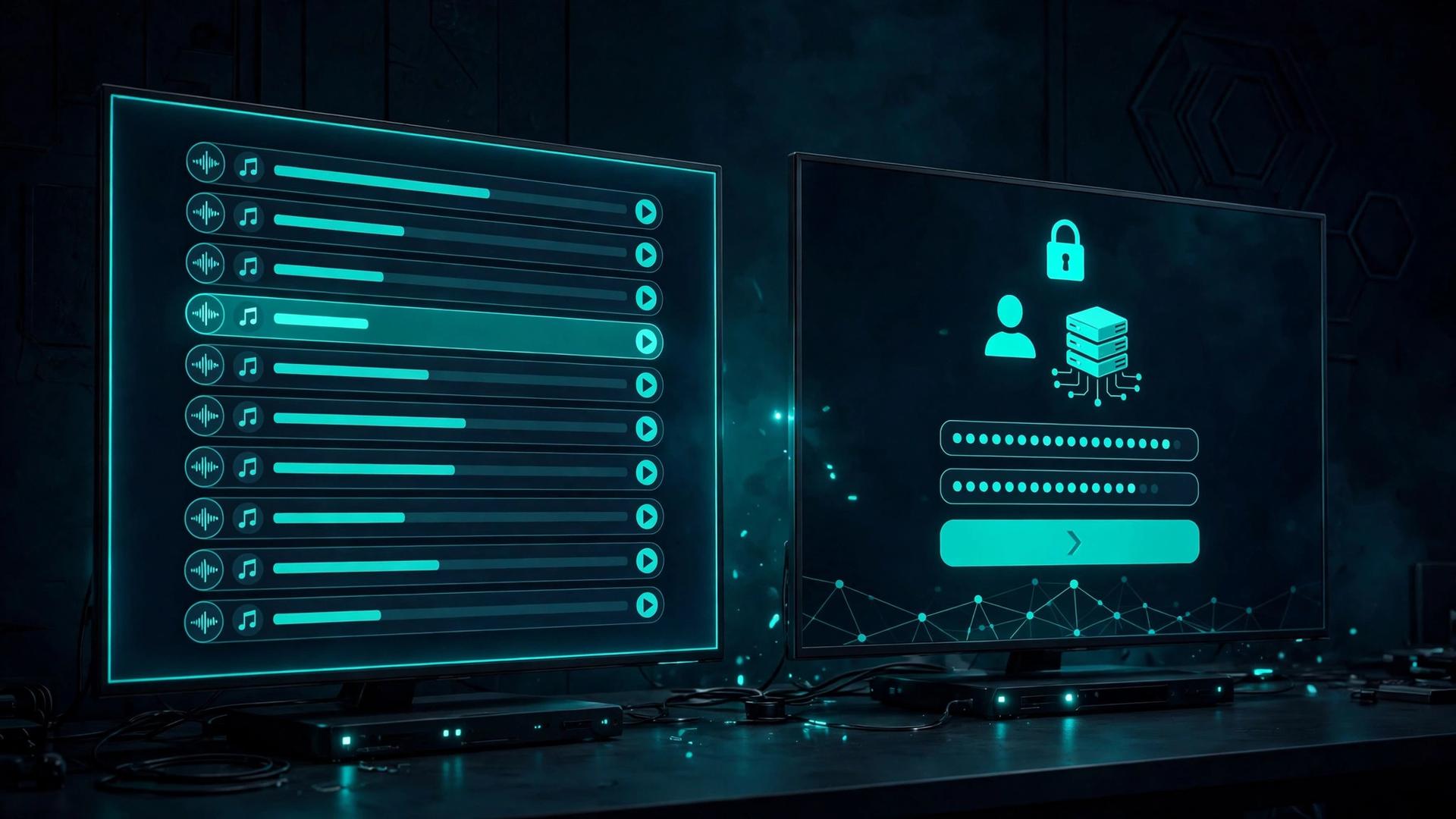
Check nobody is filming the screen. Simple as that. That sounds paranoid until you remember what is on it: your playlist link, with your username and password sitting in plain text inside the address. Anyone who has it can watch on your account. The playlist file itself is harmless text. The habits around it decide whether your subscription stays yours alone or ends up shared, blocked or stolen. Safe use comes down to four things: a trusted provider, a private link, a trial before payment. A fresh link the moment you suspect a leak. That is the whole job.
M3U playlist security: what your playlist link actually exposes
Your M3U playlist URL contains your username and password in plain text inside the address, which is how the server knows the request is yours. That is it. Anyone who sees the full link can paste it into their own player and watch your channels.
Heavy use from many places at once can get the account flagged or blocked for sharing. Check it once more. The link does not expose your home address, your payment details or your real name, because none of those live in the playlist. It does expose your viewing account, which is reason enough to treat it like a password. Never post it in a forum, a chat group or a screenshot. Never email it to yourself at an address you do not control. The rest is routine.
Keep the link private, in practice
Privacy is a set of small habits rather than one big decision. That is it. Save the link in a password manager or a secure note instead of in a chat thread that other people can scroll through.
When you paste it into a player on a shared television, check that nobody is filming the screen, because a photo of the settings page captures the link. No special tools needed. Do not share your account with friends, even for an evening, because every extra device counts against your connection limit and can trigger a block. And if you ever do share it by mistake, ask support for a fresh link immediately, because rotating the link is the fastest way to lock out whoever received the old one. For the background, see M3U Playlist URL Explained: How It Works and Why It Changes.
Spotting fake playlist links and scam providers
Free playlist links posted on forums and social media are a common trap in IPTV. Start there. They can stop working within days, come stuffed with broken channels, or worse, point to servers that log your device details and inject advertising. A legitimate provider charges a fair price, offers a free trial before payment, answers support messages, and publishes a real contact such as WhatsApp, while a scam provider demands payment in gift cards or cryptocurrency only, has no trial, and disappears after taking the money. If a deal promises every channel on earth for two dollars a month forever, it is not a bargain, it is a warning sign.
- Never post your playlist link in forums, chats or screenshots.
- Save the link in a password manager, not in a chat thread.
- Avoid free playlist links from forums; they die fast and can be unsafe.
- Pay by card through a normal checkout, never by gift card.
- Ask support for a fresh link at once if you think yours leaked.
VPNs: when they help and when they do not
A VPN encrypts your connection and hides your traffic from your internet provider, which helps if your provider throttles streaming or blocks IPTV servers. Test it at peak time. It also lets you test whether a loading failure is a network block, because a playlist that loads through a VPN but not without one points at the network.
A VPN does not make an untrustworthy provider safe, it does not fix a dead channel. Worth doing right. It can slow your connection enough to cause buffering on 4K streams. Choose a fast server close to home and switch the VPN off to compare. Use a VPN as a tool for privacy and diagnosis, not as a substitute for choosing a provider you trust. Transfer M3U Playlist to a New Device: Backup Guide covers that side of it in more detail.
Payment safety and choosing a provider
Pay for a subscription the way you would pay for any online service: by card through a normal checkout, with a receipt you can keep. Keep it simple. With a trial before the first payment.
M3U Playlists offers a 24-hour free trial with no card required. Do it once, properly. You can test the service before any money moves. Support is reachable on WhatsApp at +212 604 034 330. Premium is $19.99 for 1 month and $99.99 for 12 months, with 57,000+ channels, 185,000+ movies and 49,000+ series. Basic is $14.99 for 1 month and $59.99 for 12 months. A provider that lets you test first, answers questions, and charges a normal price through a normal payment method is a provider you can trust with the next twelve months.
| Safety habit | What it protects | Effort |
|---|---|---|
| Keep the link private | Your account from sharing and blocks | A moment |
| Use a password manager | Your login from loss and leaks | Once, when you set it up |
| Test before paying | Your money from scam providers | One free trial |
| Pay by card, keep receipt | Your payment from fraud | No extra effort |
| Use a VPN when needed | Your traffic from throttling | One app install |
| Rotate a leaked link | Your account from strangers | One message to support |
What to do if your link leaks
If you suspect your playlist link has leaked, act quickly and in order. That settles it. First, message support and ask for a fresh playlist link and a password reset, which immediately invalidates the old one.
Second, remove the old link from every player and add the new one. That is the point. Third, check your connection limit, because a stranger streaming on your account can block your own screens. The fresh link fixes that too. Fourth, work out how the leak happened, whether it was a screenshot, a shared chat or a forwarded message, and stop doing it. A leaked link is not a disaster when you rotate it fast. It is a warning to tighten the habits. The same question comes up in M3U Playlist Multiple Devices: One Subscription Guide.
Children, guests and shared screens
A shared television is a shared risk, so set the household up properly. One check, and you know. Use the player PIN to lock the settings screen. Guests and children cannot open the playlist details and copy the link. Hide the adult groups behind the same PIN. Keep the settings menu out of the reach of curious hands. When guests ask how to get the same service, send them the provider contact rather than your link. They get their own account and your account stays yours. These are quick settings that protect the subscription for its whole term.
Safe playlist use is not complicated: a trusted provider, a private link, a trial before payment. Save the details somewhere safe. A fresh link the moment you suspect a leak. Do those four things and your subscription stays yours, your screens stay unblocked. Your money goes to a service that answers when you message it. Start with the 24-hour free trial from M3U Playlists, no card required. Test the service before you spend anything at all.