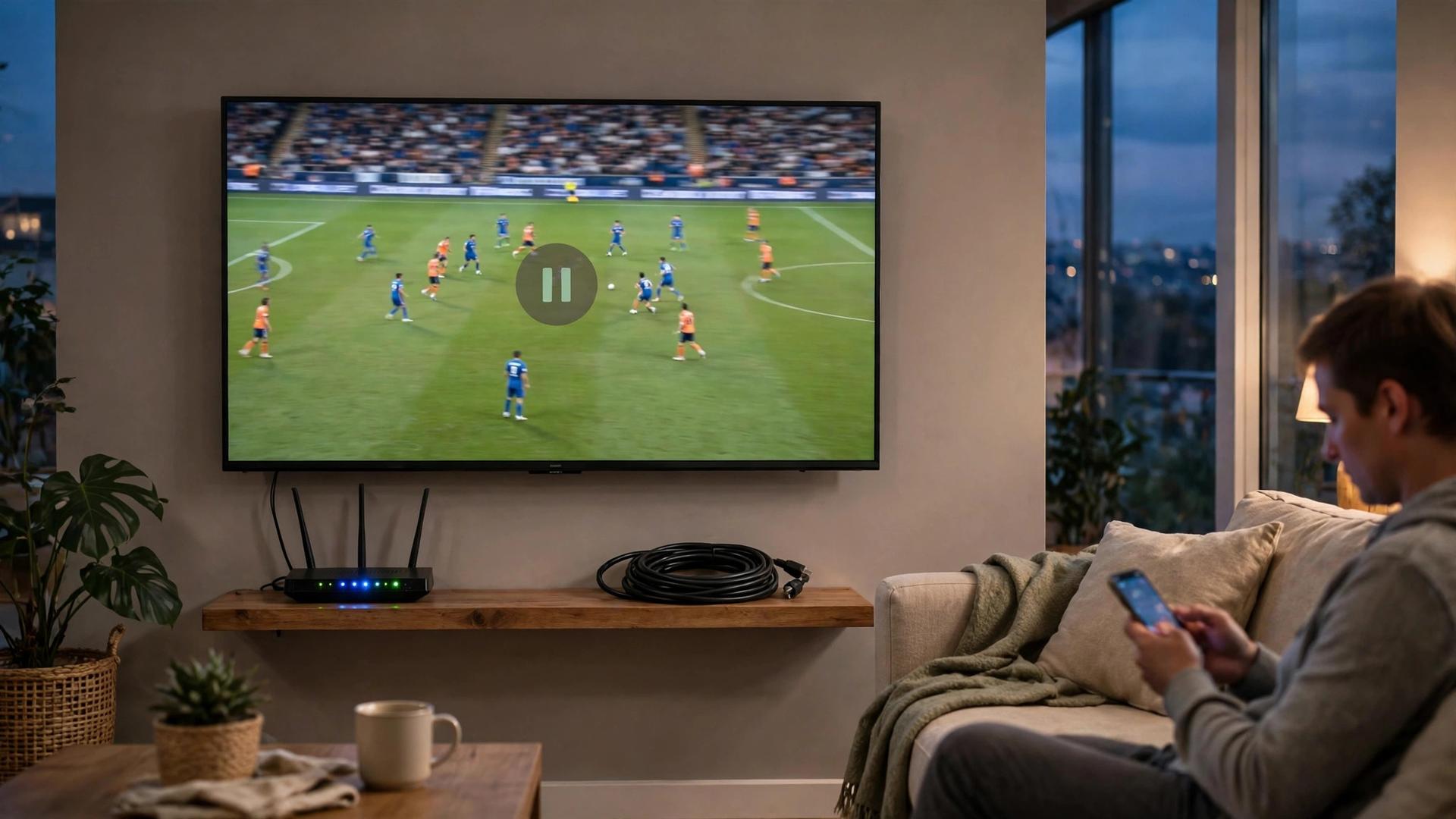
M3U playlist buffering has a particular cruelty to it. The picture freezes two seconds before a goal, the wheel spins, and by the time the stream comes back the moment is gone. It feels like the playlist is broken, and sometimes it is. More often it is not. A playlist is a list of addresses; the video comes down a pipe, and the pipe is your home network, your internet line, and the server at the other end. Fixing buffering means finding which of the three is slow, and the order you check them in matters.
Start with the number that settles most arguments: speed at the TV. A 4K stream wants a steady 25 Mbps, HD wants 5 to 8 Mbps, and standard definition gets by on 3 Mbps. Steady is the word that matters, a line that tests at 100 Mbps in the morning and drops to 12 Mbps at 8 pm will buffer at 8 pm, and no player setting fixes a line that cannot hold its speed. Run a speed test on the TV itself, or on a phone held where the TV sits, at the hour you normally watch. If the number is below what the stream needs, the rest of this piece is about your network, not your playlist.
M3U playlist buffering: the five-minute diagnosis
Run the checks in order and stop at the one that fails. First, open a different app on the same device, YouTube or Netflix, and play something in HD. If that buffers too, the problem is your network, full stop, and the playlist is innocent. Second, open a different channel in the same playlist. If the news plays clean while the sports channel freezes, the problem is that one stream or that one server, and switching to the same channel's HD version instead of 4K often fixes it on the spot. Third, restart the router and the TV. It is the oldest advice in the book because it works: routers run for months without a reboot, and a tired router hands out slower and slower connections until someone restarts it.
- Test your speed at the TV, at 8 pm, not at noon, evening speed is the number that counts.
- Try YouTube or Netflix on the same device to separate a network problem from a playlist problem.
- Try another channel in the same playlist to separate one bad stream from a bad connection.
- Restart the router and the TV before changing any setting.
- Clear the player cache: Firestick Settings, Applications, Manage Installed Applications, then Clear Cache.
For the background, see M3U Playlist Not Loading? Fix Guide for Every Player.
What the speed test actually tells you
A speed test gives you three numbers, and only one of them is the headline. Download speed is the one everyone quotes. Latency, the ping, in milliseconds, is the one that decides whether a stream starts quickly and recovers quickly from a dip. Jitter is the variation in that latency, and high jitter is what makes a stream stutter even when the download number looks fine. A line with 50 Mbps down, 12 ms ping and low jitter will play 4K all evening. A line with 100 Mbps down, 90 ms ping and wild jitter will freeze at the worst moments. If your ping is above 50 ms to a nearby server, the line itself needs attention, and that is a call to your internet provider, not your playlist provider.
Wi-Fi fixes that end most M3U playlist buffering
Wi-Fi is the weak link in most living rooms, and the fixes are unglamorous. Move the router closer to the TV, or the TV closer to the router, every wall between them costs speed. Switch the TV or stick to the 5 GHz network, which is faster and less crowded than 2.4 GHz, though it reaches less far through walls. If the TV sits more than one room from the router, a cable ends the argument entirely: an Ethernet adapter for a Firestick costs a few dollars, and most smart TVs have a port on the back already. A wired TV does not compete with the microwave, the neighbour's router, or the phone in your pocket.
Two settings inside the house are worth checking. First, the router's channel: if you live in a block of flats, twenty routers shouting on the same channel will slow each other down, and switching yours to a quieter channel in the router's admin page can double the speed at the TV. Second, the other devices: a cloud backup, a game download, or a video call running in the next room will eat the bandwidth a 4K stream needs. Pause the backup during the match. It will still be there afterwards.
| Stream quality | Speed needed | Best connection |
|---|---|---|
| Standard definition | 3 Mbps | Wi-Fi is fine |
| HD 1080p | 5 to 8 Mbps | 5 GHz Wi-Fi or cable |
| 4K Ultra HD | 25 Mbps steady | Ethernet cable |
| 4K on two TVs | 50 Mbps steady | Ethernet on both |
Player settings that stop the freezing
When the network is fine and the stream still stutters, the player is the next place to look. In TiviMate, open Settings, then Playback, and try switching the decoder from hardware to software for the channel that freezes, some streams are encoded in a way a particular chip handles badly, and software decoding, though heavier on the processor, plays them clean. In IPTV Smarters Pro, the buffer size sits under Settings, then Stream Format: raise it and the player holds more video in reserve, which smooths over short dips in the line at the cost of a slightly longer start. In VLC, the network caching value under Tools, then Preferences, then Input and Codecs does the same job, 1,000 ms is the default, and 3,000 ms is the number people reach for when a stream keeps dipping.
One setting people change by mistake is the stream itself. Most playlists carry the same channel in several versions, 4K, FHD, HD, SD, and the player may default to the biggest one. If your line tests at 20 Mbps, a 4K stream asking for 25 will freeze no matter what you do to the settings. Drop that channel to its HD version and the freezing stops, and on a 55-inch TV from a normal sofa distance the difference is smaller than you think. Pick the quality your line can actually hold, not the quality you wish it could.
Worth a look next: EPG for M3U Playlist: Complete Setup Guide 2026.
When the playlist server is the problem
Sometimes the network is fine, the player is fine, and the freezing is the server at the other end. The signs are consistent: every channel from one provider freezes at the same time, while YouTube plays perfectly, and the problem starts at 8 pm and clears by midnight. That pattern is a server under load at peak hour, and no setting on your side fixes it. What you can do is tell your provider, with the time and the channels affected, and ask whether the load is being moved. A provider worth paying will have an answer. A provider that blames your Wi-Fi every time is telling you something about itself.
This is also the moment a free trial earns its keep. Run a trial playlist next to your current one for an evening and compare them on the same TV, on the same network, at the same hour. If one freezes and the other does not, you have your answer, and it did not cost you anything to find it. The 24-hour trial from M3U Playlists exists for exactly this test: message WhatsApp +212 604 034 330 and load it on your own TV.
Prices, and the trial that settles the buffering question
A playlist subscription from M3U Playlists comes in two tiers. Premium costs $19.99 for 1 month, $49.99 for 3 months, $79.99 for 6 months and $99.99 for 12 months, with 57,000+ channels, 185,000+ movies and 49,000+ series in up to 4K, plus two-device, three-device and four-device plans at $159.99, $224.99 and $269.99 for 12 months. Basic costs $14.99 for 1 month, $24.99 for 3 months, $39.99 for 6 months and $59.99 for 12 months, with multi-device plans at $109.99, $159.99 and $199.99. See the full list at https://www.m3u-playlists.com/plans. Resellers start at a minimum order of 120 credits, with 12 credits covering 12 months at $40 on Premium and $20 on Basic.
If that part needs more detail, M3U Playlist EPG Timezone Fix Guide: Correct Guide Times has it.